In most cases, System Administrators or System Customizers have access to manage Solutions in your organization.
- Go to SETTINGS > SOLUTIONS
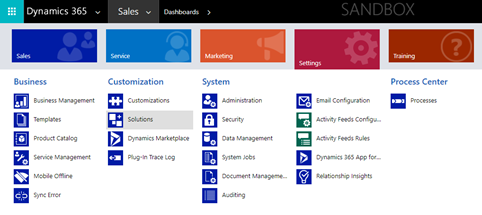
After installing your add-on:
- Double-click to open the solution record
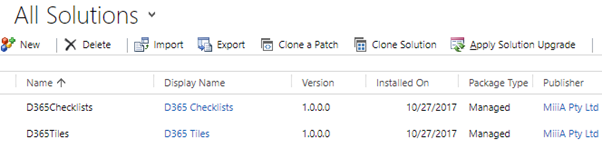
Once the solution is open.
- Select Configuration
- Enter your details in the required fields
- Click Request Trial
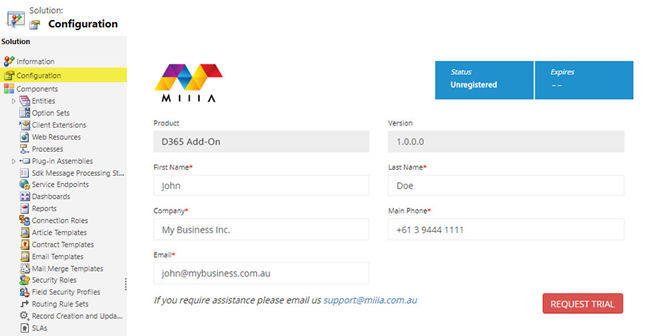
If you've previously registered the add-on, this information will already be populated.
Once the solution is successfully registered, you will see the Status and Expiration fields update.
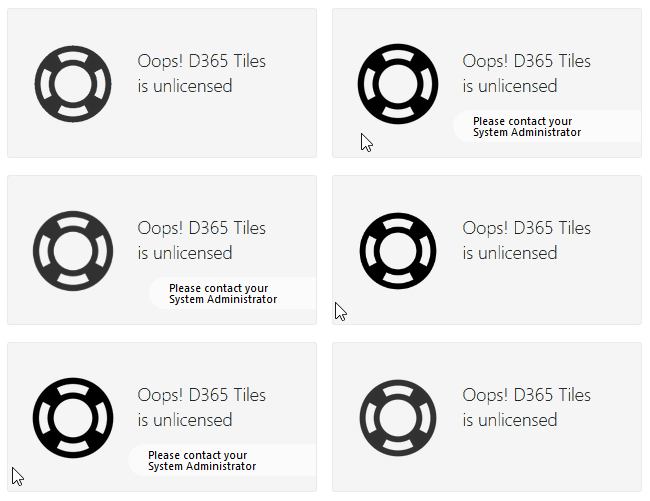
If your Trial period finishes, or you remain unregistered, the solutions will not function and you may see messages indicating this throughout the product.