
D365 Checklists
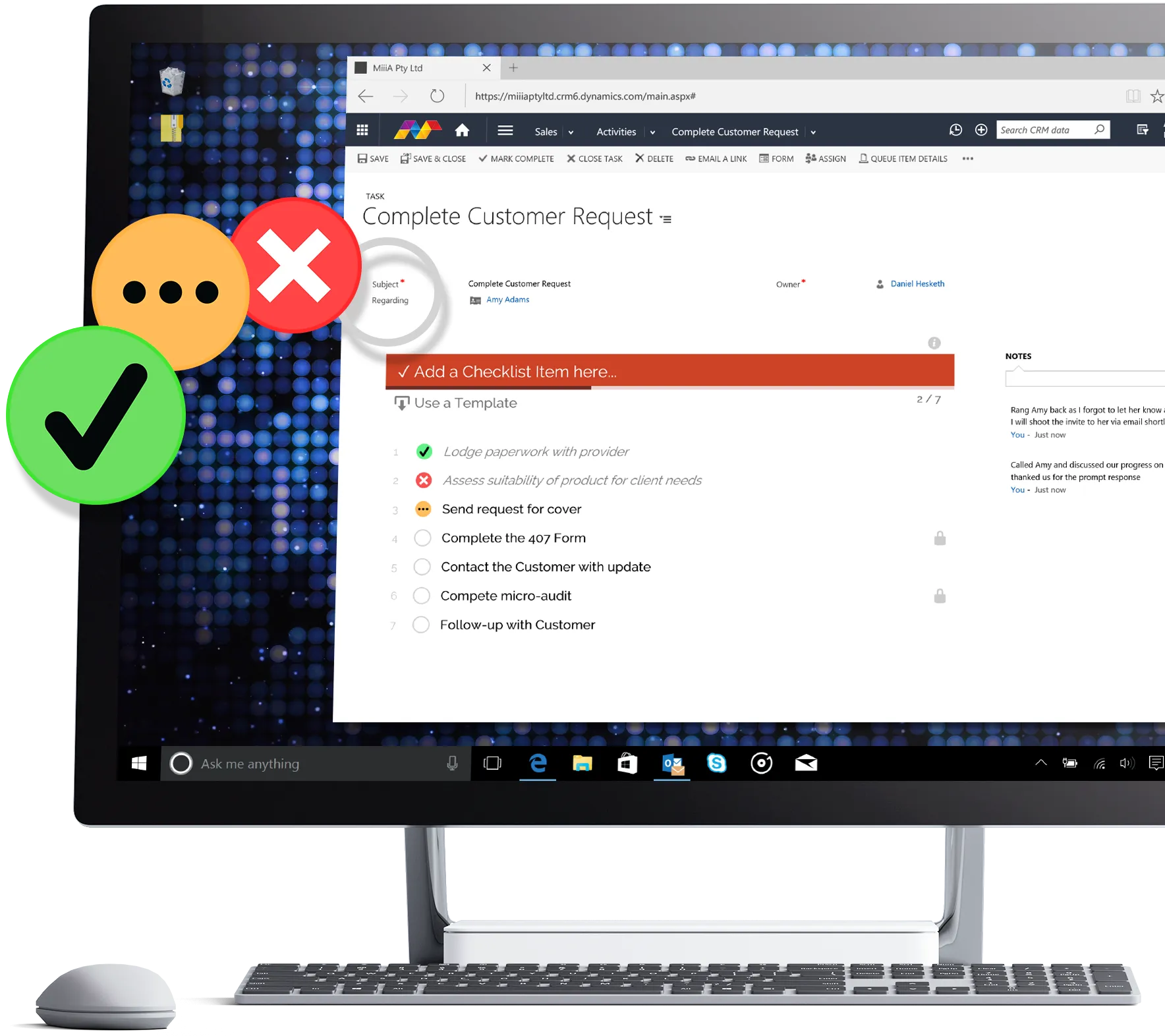
Multi-function checklists and to-do lists on any Dynamics 365 record.
- Understanding Checklists
- Add Checklists to Entity Forms
- Using Checklists
- Using Checklist Templates
- Checklists via Workflow (PRO)
MiiiA Support
Step-by-step guides for D365 Checklists and D365 Tiles. Every step ends with a check, so you know it worked before you move on.
Popular:Register your add-onAdd Checklists to formsAdd Tile Sets to dashboards
Start here
Add D365 Checklists or D365 Tiles to your Dynamics 365 environment.
Guide coming soonStart your trial or apply your licence, so the add-on starts working.
Put Checklists on a form, or Tile Sets on a dashboard, for your users.
Guides by product
Multi-function checklists and to-do lists on any Dynamics 365 record.
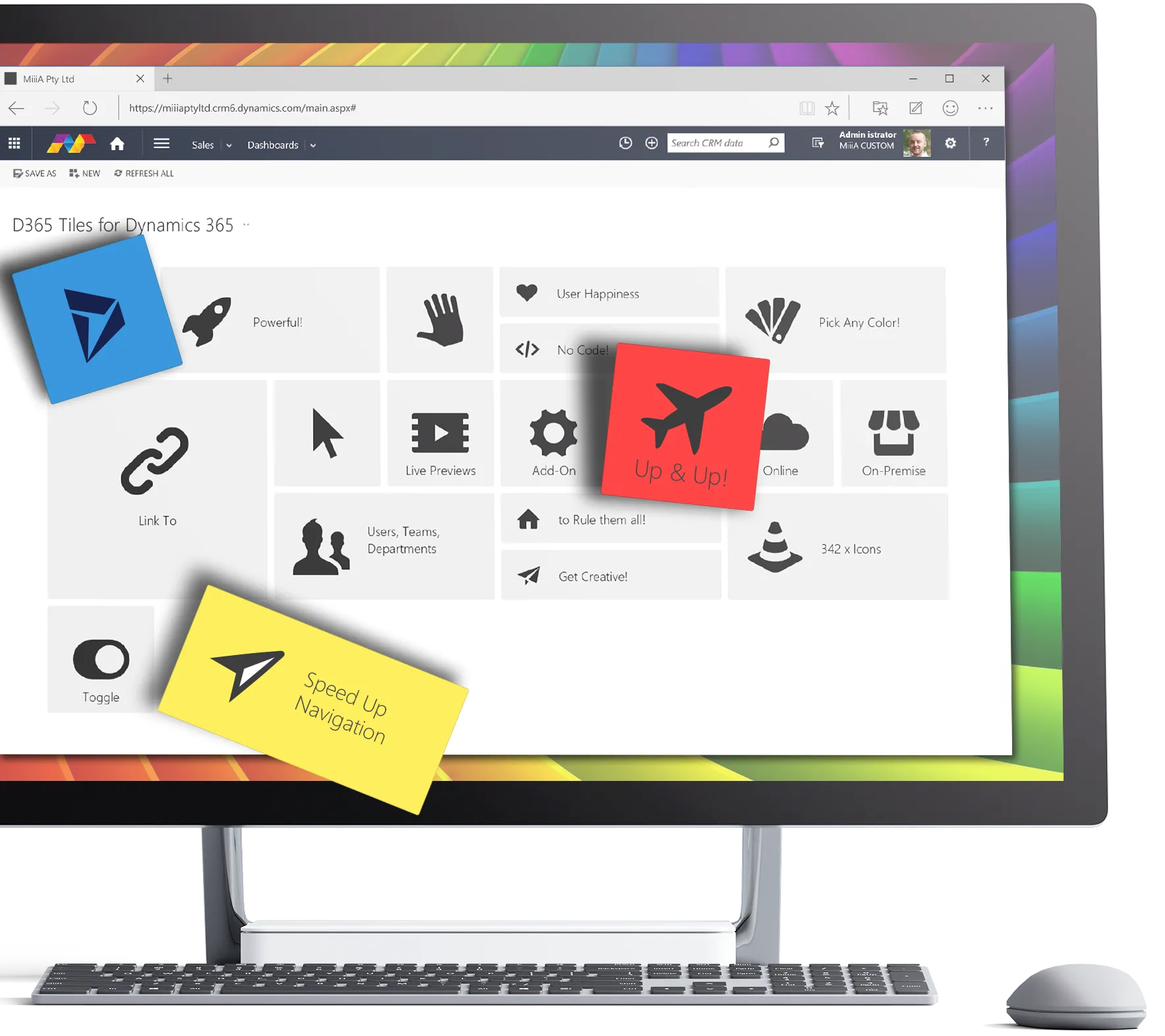
Tailored, visual navigation on dashboards and forms, for individuals, teams and departments.
Features and pricing on miiia.com.auBeyond the guides
MiiiA also looks after whole Dynamics 365 systems, and trains the people who use them.
Still stuck?
Email us with the add-on's name, your Dynamics 365 environment address and a screenshot of what you can see. It saves a round of questions.